

✅ Summary
In today’s digital-first job market, an IT Support Specialist resume must do far more than list past roles — it must function as a personal IT marketing engine.
Before any recruiter sees your application, it is screened by AI-powered Applicant Tracking Systems (ATS) that analyse keywords, technical tools, certifications, job titles, formatting accuracy, and measurable achievements. If your resume fails to meet ATS requirements at any stage, it is automatically rejected.
This guide delivers a complete, step-by-step framework for building an ATS-optimised IT Support resume for 2025–2026.
You will learn how to structure a machine-readable resume, write high-impact summaries, select the right IT skills and keywords, transform duties into achievement-driven bullet points, build entry-level IT Support resumes with no experience, and avoid the most common formatting mistakes that cause instant rejection.

✅ Introduction
In today’s competitive, technology-driven hiring landscape, your IT Support Specialist resume is no longer just a document — it is your primary career marketing tool. Before your resume ever reaches a hiring manager, it must first pass through AI-powered Applicant Tracking Systems (ATS) designed to filter candidates based on:
- IT resume keywords
- Technical tools and platforms
- Certifications
- Job title alignment
- Formatting accuracy
- Quantifiable achievements
If your resume fails to meet ATS standards at any point, it is rejected automatically — often without a human ever reviewing your application.
This complete guide shows you exactly how to write an ATS-optimised IT Support resume that generates interviews in 2025–2026. You will learn how to:
- Structure a machine-readable IT Support resume
- Write high-impact IT Help Desk and IT Technician summaries
- Choose the best IT resume skills and keywords
- Convert basic duties into achievement-driven bullet points
- Build entry-level IT Support resumes with no experience
- Avoid the formatting errors that trigger instant ATS rejection
This guide is written for:
- IT Support Specialists
- Help Desk Technicians
- Technical Support Analysts
- Desktop Support Technicians
- Information Technology Technicians
- Both entry-level and experienced IT professionals
👉 Build Your IT Support Resume Now
The Hybrid Reality of IT Support Roles
An IT Support Specialist Resume must prove something few other professions require:
You must demonstrate mastery of both technology and people skills.
In one moment you may be:
- Resetting Active Directory credentials
- Diagnosing DNS or DHCP failures
- Restoring VPN connectivity
In the next moment you are:
- Calming an executive locked out of their email
- Explaining cybersecurity risks to non-technical users
- Walking a remote worker through a system failure
A high-performing Technical Support Resume must reflect both sides of this role.
Technical Competence
Your resume must prove your ability to:
- Troubleshoot hardware and software
- Support Windows, macOS, and Linux
- Administer Microsoft 365 environments
- Maintain network reliability and security
Customer-Focused Communication
Your resume must also show your ability to:
- Translate technical language into simple terms
- De-escalate user frustration
- Document issues clearly
- Maintain strong customer satisfaction scores
This balance is why generic resumes fail in IT hiring.
The Role of AI and ATS in Modern IT Hiring
More than 95% of companies use ATS systems to filter resumes before human review. These systems evaluate:
- Job title alignment
- IT keyword density
- Skill-to-duty correlation
- Certification matching
- Section structure
- Formatting readability
If your resume does not clearly match terms like:
- IT Support Specialist Resume
- IT Help Desk Resume
- IT Technician Resume
- Technical Support Resume
…your application may be automatically rejected.
Your resume must therefore be:
✅ Machine-readable for ATS software
✅ Human-compelling for recruiters
1. Structuring the Perfect IT Support Resume
Recruiters use many overlapping titles for support roles. Your resume must be structured so that every ATS system instantly recognises your role.
✅ Best IT Resume Format: Reverse-Chronological
This format is preferred by:
- ATS software
- Recruiters
- IT hiring managers
It displays your most recent experience first, which is critical in fast-changing technical environments.
✅ ATS-Recognised Resume Sections
Your IT Support resume must contain:
- Header
- Professional Summary
- Core Skills
- Professional Experience
- Education
- Certifications
Avoid:
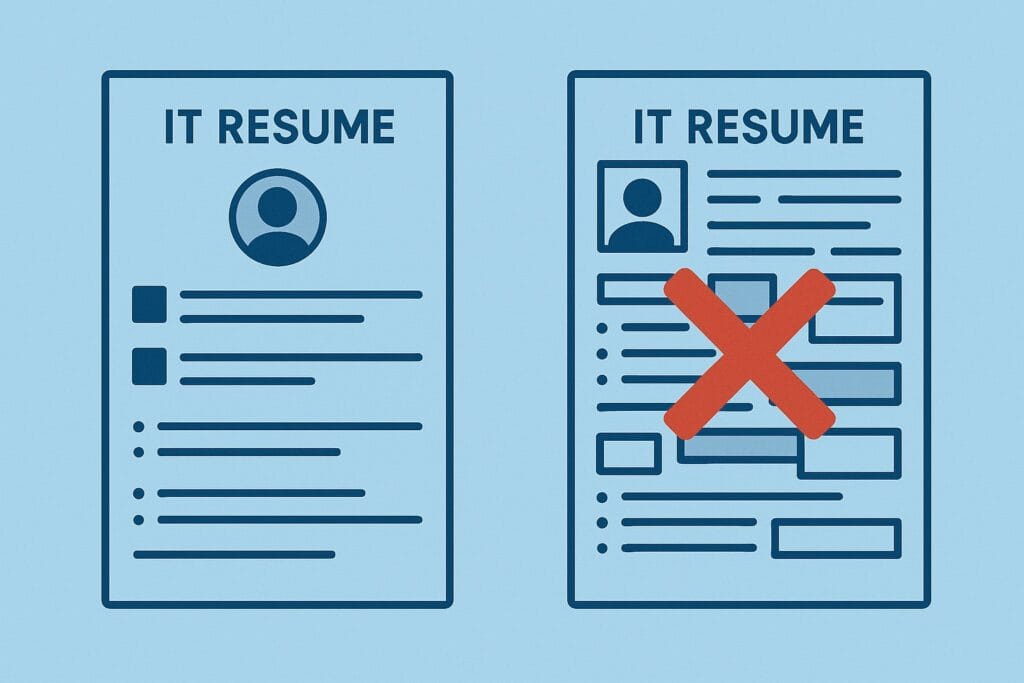
- Columns
- Tables
- Icons
- Charts
- Graphic skill bars
These formatting elements frequently block ATS parsing.
2. Writing a High-Impact IT Help Desk Resume Summary
Your resume summary is your digital handshake. It must immediately communicate:
- Your IT support level
- Your core technologies
- Your measurable impact
❌ Weak Summary Example
“I have IT experience and like helping people with computers.”
✅ ATS-Optimised IT Support Summary
“Dedicated IT Support Specialist with 4+ years of Tier 1 and Tier 2 troubleshooting experience in enterprise environments. Expert in Active Directory, Microsoft 365 administration, VPN support, and endpoint security. Consistently resolves 50+ tickets daily while maintaining 98% SLA compliance and high CSAT ratings.”
✅ IT Technician Summary Example
“Results-driven Information Technology Technician with 5 years of hands-on experience in systems deployment, network troubleshooting, and server hardware maintenance across Windows and macOS environments.”
To better organise your technical abilities, our skills advice explains how to present systems, tools, and troubleshooting skills clearly.
3. Full ATS-Formatted IT Support Resume Example
John Mitchell
IT Support Specialist
Sydney, NSW | 0400 000 000 | john@email.com | LinkedIn.com/in/johnmitchell
Professional Summary
Dedicated IT Support Specialist with 4+ years of Tier 1 and Tier 2 troubleshooting experience in corporate environments. Expert in Active Directory, Microsoft 365 administration, VPN connectivity, and endpoint security. Consistently resolves 50+ tickets daily while maintaining 98% SLA compliance.
Core Technical Skills
Active Directory | Microsoft 365 | Windows 10/11 | macOS | VPN | RDP | DNS | DHCP | TCP/IP | ServiceNow | Jira | SCCM | Intune | PowerShell | MFA | Endpoint Security
Professional Experience
IT Support Specialist – ABC Logistics Group | 2021–Present
- Resolved 45–60 daily support tickets with 95% first-call resolution.
- Administered Active Directory for 350+ user accounts.
- Led Windows 10 to Windows 11 migration for 180 devices.
- Reduced repeat printer incidents by 28%.
- Trained junior technicians on ITSM workflows.
Help Desk Technician – TechServe Solutions | 2019–2021
- Delivered remote and onsite IT support across Windows and macOS.
- Maintained 97% CSAT across 2,000+ tickets.
- Implemented MFA deployment to strengthen endpoint security.
Education & Certifications
CompTIA A+ | Microsoft 365 Certified: Modern Desktop Administrator | Diploma of IT
👉 Generate My IT Resume Now
Sarah Mitchell
IT Support Specialist • Chicago, IL
Email: sarah.mitchell.office@gmail.com • Phone: (312) 555-4822
Profile
Organized IT support specialist with strong attention to detail. Skilled in troubleshooting, system support, documentation, and improving workflow efficiency.
Experience
IT Support Specialist – Lakeshore Community Services (2020–2024)
Managed technical support requests, improved system efficiency 30%, assisted a team of 12 users daily.
IT Support Assistant – Westfield Consulting Group (2017–2020)
Provided desktop support, handled service tickets, prepared system reports, maintained 98% task accuracy.
Education
Associate Degree in Business Administration – Harold Washington College (2015–2017)
High School Diploma – Lane Tech College Prep (2011–2015)
Skills
Technical Support • Microsoft Office • Data Entry • Customer Service • Documentation • Ticket Management
Certificates
IT Support Certification – American Management Association (2018)
function copyResumeAide() { const text = “Sarah Mitchelln IT Support Specialist • Chicago, ILn Email: sarah.mitchell.office@gmail.com | Phone: (312) 555-4822n n Profile:n Organized IT support specialist with strong attention to detail. Skilled in troubleshooting, documentation, and workflow efficiency.n n Experience:n IT Support Specialist – Lakeshore Community Services (2020–2024)n – Managed technical support, improved system efficiency 30%, supported team of 12.n IT Support Assistant – Westfield Consulting Group (2017–2020)n – Provided desktop support, prepared reports, maintained 98% task accuracy.n n Education:n Associate Degree in Business Administration – Harold Washington College (2015–2017)n High School Diploma – Lane Tech College Prep (2011–2015)n n Skills:n Technical Support, Microsoft Office, Data Entry, Customer Service, Documentationn n Certificates:n IT Support Certification – American Management Association (2018)”; navigator.clipboard.writeText(text).then(() => { const status = document.getElementById(“copyStatus”); status.style.display = “inline”; setTimeout(() => { status.style.display = “none”; }, 1800); }); }
4. Essential IT Skills for Resume Success (2025–2026)
The IT Skills section is the most heavily weighted ATS section in your resume.
Hardware & Systems Management
- SCCM, MDT, PXE Boot
- Intune, Jamf
- RAID, UPS
- BIOS & firmware updates
Software & SaaS Administration
- Windows 10/11, macOS, Linux
- Microsoft 365 Admin Center, Exchange
- Google Workspace Admin
- ServiceNow, Jira, Zendesk
Networking Fundamentals
- TCP/IP, DNS, DHCP
- VPN (IPSec, SSL, Cisco AnyConnect)
- LAN/WAN troubleshooting
- Wireless Access Points
Security & Identity
- MFA, SSO
- BitLocker, FileVault
- Microsoft Entra ID (Azure AD)
- Endpoint protection
IT Support Soft Skills
- De-escalation
- Root Cause Analysis
- Documentation
- Non-technical communication
- Patience & empathy
👉 Scan My IT Resume Free
5. Power Resume Keywords for IT Support Specialists
Your resume must include exact ATS-recognised IT keywords:
Action Verbs
Troubleshot | Configured | Administered | Automated | Migrated | Secured | Deployed | Diagnosed
Technical Keywords
Active Directory | VPN | MFA | Microsoft 365 | Intune | SCCM | ServiceNow | DNS | DHCP | TCP/IP
Metric Keywords
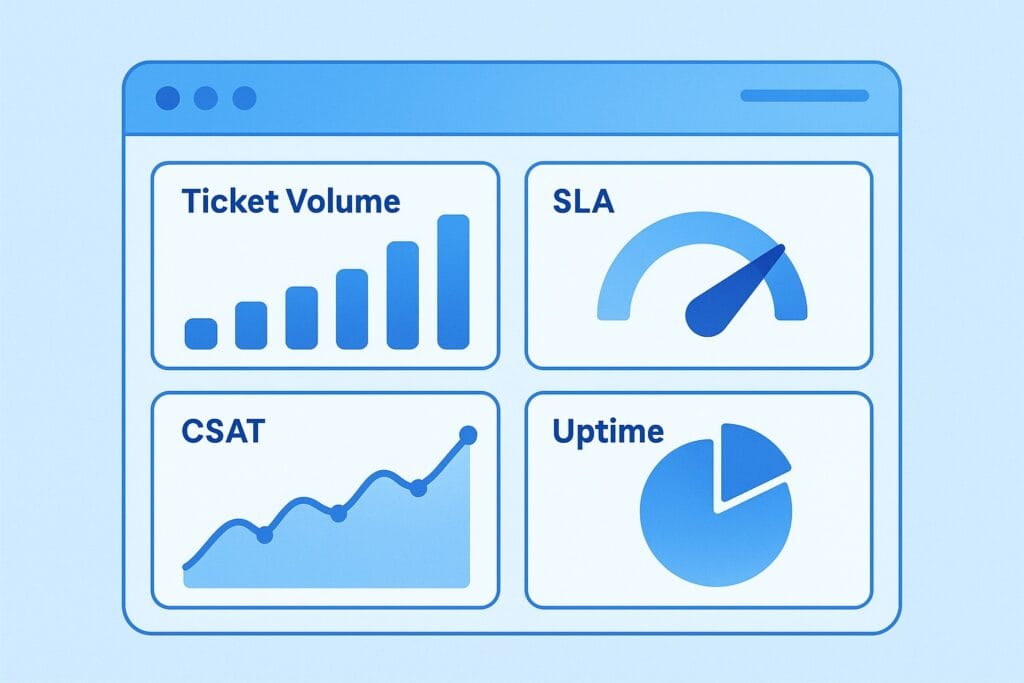
SLA | CSAT | First Call Resolution | Ticket Volume | Uptime | Backlog Reduction
6. Writing High-Impact IT Experience Bullet Points (XYZ Formula)
Accomplished [X] as measured by [Y] by doing [Z].
Examples:
- Resolved 60+ Tier 1 and Tier 2 tickets daily with 98% SLA compliance.
- Migrated 200+ endpoints to Windows 11 with zero data loss.
- Reduced network-related incidents by 22%.
👉 Upgrade My IT Resume Now
7. Entry-Level IT Support Resume (No Experience)
Many job seekers searching “IT Support Specialist Resume” are newcomers to IT.
Entry-Level Summary Example
“CompTIA A+ certified entry-level IT Support Specialist with hands-on lab experience in Windows administration, networking fundamentals, and endpoint security. Strong customer service background with proven troubleshooting skills.”
Entry-Level Experience Examples
- Built Windows 11 systems in lab environments
- Practiced Active Directory user management
- Provided frontline technical troubleshooting in retail
- Documented common software fixes

👉 Build My Entry-Level IT Resume
8. Advanced ATS Optimisation for IT Support Resumes (2025–2026)
Modern Applicant Tracking Systems no longer rely on simple keyword scans. Today’s systems use AI-based semantic matching, meaning they evaluate:
- Context of your skills
- Relationship between tools and duties
- Skill progression over time
- Metrics tied to tools
- Job-title alignment
This is why many technically skilled candidates still get rejected.
✅ Advanced ATS Formatting Rules
File Type
- Always submit as .docx or text-based PDF
- Never submit image-only PDFs
Layout
- Single-column layout only
- No headers/footers with icons
- No sidebars or text boxes
Font Safety
- Arial
- Calibri
- Roboto
- Helvetica
(ATS systems struggle with decorative fonts.)
Correct Section Headings
Use only ATS-recognised headings:
- Professional Summary
- Core Skills
- Professional Experience
- Education
- Certifications
Creative headings like “What I Do” or “Career Story” often break ATS parsing.
✅ ATS Keyword Placement Logic
You must place your primary IT resume keywords in:
- Resume headline
- First 2 lines of your summary
- Skills section
- Every job entry
- Certification section
Correct Example:
“IT Support Specialist with expertise in Microsoft 365, Active Directory, VPN, MFA, and ServiceNow.”
Incorrect Example:
“Technology professional with strong computer knowledge.”
9. IT Support Specialist vs IT Technician Resume Targeting
Although many people apply for both roles, ATS systems score these two job types differently.
🔹 IT Support Specialist Resume Focus
Emphasise:
- Help desk operations
- Ticketing systems
- End-user support
- Remote troubleshooting
- Customer satisfaction
- SLA performance
High-Value IT Support Keywords:
ServiceNow, Jira, Windows 10/11, Microsoft 365, VPN, MFA, CSAT, FCR, Tier 1, Tier 2, Active Directory
Support-Focused Bullet Example:
“Resolved 55+ daily Tier 1 and Tier 2 tickets with 98% SLA compliance and 96% CSAT.”
🔹 IT Technician Resume Focus
Emphasise:
- Physical hardware
- Cabling and rack mounting
- Imaging and deployment
- Server maintenance
- Asset lifecycle management
- Field service
High-Value IT Technician Keywords:
Cabling, Imaging, Ghosting, MDT, SCCM, Patch Panels, Switch Configuration, UPS, Server Hardware
Technician-Focused Bullet Example:
“Deployed and maintained 28 physical servers and 6 network racks across three regional sites.”
✅ Pro Title-Matching Tip
Your resume headline must exactly match the job title in the advert:
- IT Support Specialist
- Technical Support Analyst
- Help Desk Technician
- IT Technician
Even small wording mismatches reduce your ATS ranking.
10. Common IT Support Resume Mistakes That Cause Instant Rejection
Even highly skilled professionals are rejected for these critical errors:
❌ Using columns, icons, or graphics
❌ Listing duties instead of achievements
❌ Missing certification abbreviations (A+, Network+, Security+)
❌ No measurable metrics (SLA, CSAT, uptime)
❌ Generic skills like “computer skills”
❌ Wrong job title wording
❌ Submitting an image-based resume
✅ Correct vs Incorrect Example
✅ Correct:
“Administered Microsoft Entra ID (Azure AD) user accounts for 420+ staff.”
❌ Incorrect:
“Helped employees sign into computers.”
11. Free ATS-Optimised IT Support Resume Template
Most candidates fail not because of experience — but because they start from a blank document with incorrect formatting.
Your Free ATS-Optimised IT Support Resume Template includes:
- Single-column ATS-safe format
- Pre-filled skill categories
- Keyword-rich bullet examples
- Entry-level and experienced layouts
- Microsoft Word + Google Docs formats
- Built-in ATS optimisation logic
It is suitable for:
- IT Support Specialist Resumes
- Help Desk Resumes
- IT Technician Resumes
- Technical Support Analyst Resumes
👉 Access the Free IT Support Resume Template
12. How Recruiters Actually Read IT Support Resumes
Recruiters typically scan resumes in this order:
- Resume headline
- Professional summary
- Current job title
- Technical skills list
- Certifications
- First 3 bullets under most recent role
If your resume does not:
- Match the job title
- Show metrics immediately
- Display the correct tool stack
…it is usually discarded in under 10 seconds.
13. Salary Impact of an Optimised IT Support Resume
Candidates with fully ATS-optimised IT Support resumes consistently experience:
- 2–4× more interview invitations
- Faster hiring timelines
- Higher starting salary offers
- Quicker progression into Tier 2 / Tier 3 roles
A strong resume directly influences:
- Promotion speed
- Internal mobility
- Access to cybersecurity, cloud, and systems roles
- Long-term earning potential
Your resume is not just a job document — it is your career leverage tool.
14. Final IT Support Resume Pre-Submission Checklist
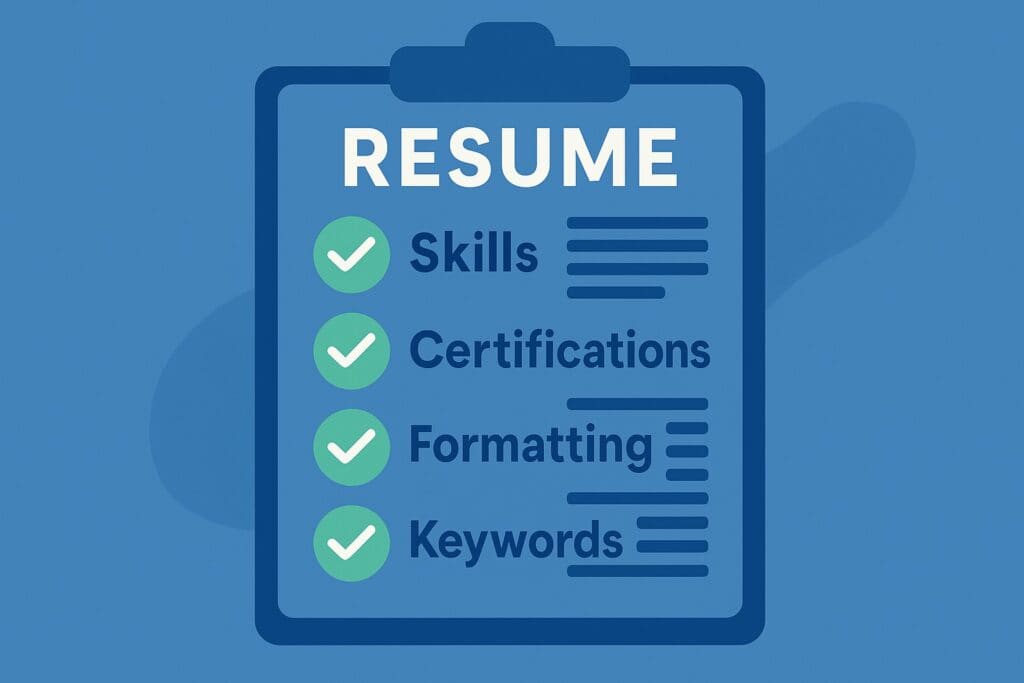
Before submitting your application, verify:
✅ Resume headline matches the job title
✅ Summary includes tools and metrics
✅ Skills match the job description
✅ Experience bullets include numbers
✅ Certifications listed with dates
✅ ATS-safe formatting used
✅ File saved as .docx or text PDF
✅ No spelling or alignment errors
If even one item is missing, your ranking drops significantly.
15. Frequently Asked Questions About IT Support Specialist Resumes
Q1: How long should an IT Support resume be?
A: 1 page for entry-level. 1–2 pages for experienced professionals.
Q2: Do I need a degree for IT Support?
A: No. Certifications and hands-on experience often outweigh a general degree.
Q3: What are the most important IT Support resume skills?
A: Active Directory, Microsoft 365, VPN, ServiceNow, TCP/IP, troubleshooting, user communication.
Q4: What format is best for an IT Help Desk resume?
A: Reverse-chronological with a single-column ATS-safe layout.
Q5: Can I get an IT Support job with no experience?
A: Yes. Use certifications, virtual labs, and transferable customer service skills.
Q6: Should soft skills be listed?
A: Yes. Communication, documentation, de-escalation, and empathy are critical.
Q7: What is the biggest mistake people make on IT Support resumes?
A: Listing job duties instead of measurable achievements.

Final Conclusion: Your IT Support Resume Is Your Career Gateway
Your IT Support Specialist Resume must prove three things immediately:
- You can solve real technical problems
- You can support people under pressure
- You understand modern ATS hiring systems
By using:
- ATS-optimised structure
- High-value IT resume keywords
- Quantified achievements
- Industry-recognised certifications
- Correct job-title targeting
…you position yourself as a high-value technical professional in a highly competitive market.
Whether you’re applying for:
- IT Support Specialist
- Technical Support Analyst
- Help Desk Technician
- IT Technician
- Desktop Support Technician
Your resume must show recruiters that you don’t just fix devices —
you enable businesses to function at full capacity.
📢 Stop Sending Your Resume Into the ATS Black Hole
Renae Guttie – Market Research Specialist
Renae Guttie is a versatile and outgoing professional specializing in high-volume public engagement, sales operations and marketing. With extensive experience in market research, telefundraising, and call centre management.
